




















Quick navigationPage navigation
Mobile
Sol Casino App — Android APK, iOS Download & Mobile Guide
| Platform | Type | Source | Auto-updates |
|---|---|---|---|
| Android | Native APK | Official casino website | No - manual reinstall required |
| iOS | Native app | App Store | Yes |
| Any device | PWA (Add to Home Screen) | Mobile browser | No |
| Any device | Mobile browser | Safari / Chrome | N/A |
The table makes one thing clear immediately: iOS and Android paths are not equivalent here. The iOS app updates automatically through the App Store, while Android users have to manually download a new APK whenever a new version is released. For most Canadian players who want a clean, hassle-free experience, the iOS route or the mobile browser are the more practical starting points.
Android
How to Download Sol Casino on Android
Android players cannot find Sol casino in Google Play - like most offshore casino operators, Sol distributes its Android app as a direct APK download from the official site. This is a standard approach in the industry, and the process itself is not complicated, but it does require one extra permission step.
Here's how to do it:
- Open the official site in your Android browser and navigate to the mobile/app section of the menu.
- Tap the Android download link to begin downloading the APK file to your device.
- Open your device Settings, go to Security or Privacy, and enable Install from Unknown Sources (or, on Android 8+, grant permission for your browser to install unknown apps when prompted).
- Open the downloaded APK file from your notification bar or file manager and tap Install.
- Wait for installation to complete, then open the app and either log in with your existing credentials or register a new account.
- Check for updates manually - since there is no automatic update mechanism, revisit the site periodically to download newer versions if the app prompts you or if something stops working.
Your device needs to run Android 4.0 or higher, which covers virtually every Android phone from the last decade.
One important note: a portion of players have reported unstable performance from the Android APK, particularly on mid-range and budget devices. If the app crashes, loads slowly, or fails to launch consistently, the mobile browser or PWA are reliable fallbacks that typically perform better under those conditions. Always download the APK from the official source - third-party mirrors carry a security risk that is not worth taking.
iPhone
How to Install Sol Casino on iPhone or iPad
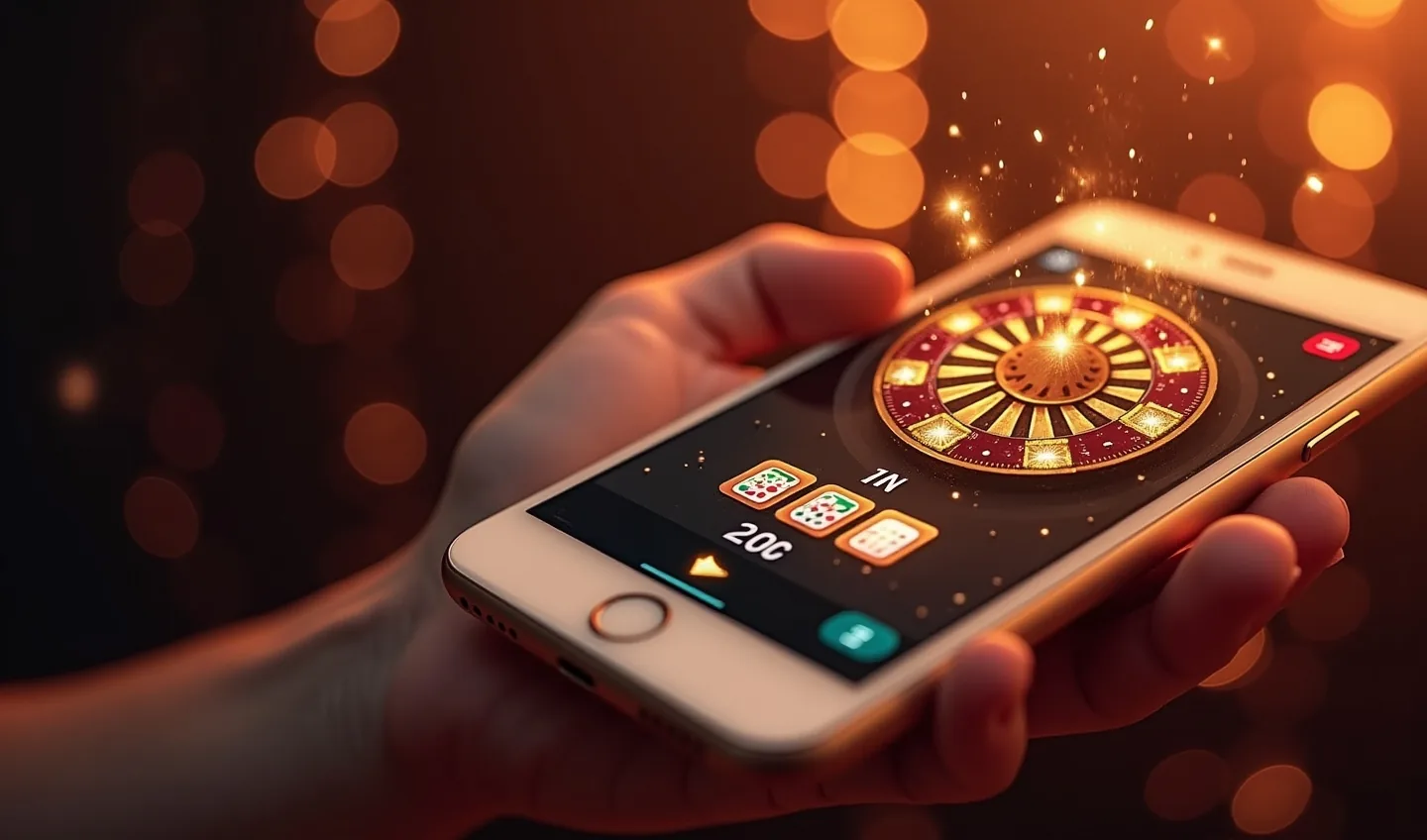
The iOS path is the cleanest of the three options. Sol casino has an app available through the App Store, which means installation works exactly like any other app on your iPhone or iPad, with full automatic updates going forward.
- Visit the official casino website on your iPhone or iPad and look for the iOS/Apple download prompt in the navigation menu.
- Tap the App Store link - this will redirect you directly to the app's App Store listing, or you can search for Sol casino in the App Store directly.
- Tap Get / Install and authenticate with Face ID, Touch ID, or your Apple ID password as usual.
- Wait for the download to complete, then open the app from your home screen.
- Log in or register - all your account details, bonuses, and balance carry over from desktop automatically.
That's it. No settings changes, no permission toggles, no manual file management. Auto-updates in the App Store mean you will always have the current version without doing anything extra. For Canadian players who want a native app experience, this is the recommended route.
PWA Add
PWA - Add Sol Casino to Your Home Screen
If you would rather skip app installations entirely - whether on Android or iOS - Sol casino supports the Progressive Web App approach. A PWA creates a home screen shortcut that launches the casino in a browser wrapper, giving you an app-like experience without any installation process.
On iPhone (Safari):
- Open casino-sol-ca.com in Safari.
- Tap the Share icon (the box with an arrow pointing up) at the bottom of the screen.
- Scroll down and tap Add to Home Screen.
- Give it a name if you want, then tap Add.
On Android (Chrome):
- Open the site in Chrome.
- Tap the three-dot menu in the top-right corner.
- Select Add to Home Screen or Install App if Chrome prompts you automatically.
- Confirm and the icon will appear on your home screen.
The PWA launches in a full-screen browser window without the browser's address bar, so it genuinely feels like a standalone app. The key difference from the native apps: there are no automatic updates - the site just loads fresh from the server each time, so you always have the current version by default, but you will not receive push notifications or offline access.
For players who play occasionally and prefer not to go through APK steps or App Store installs, the PWA is a genuinely good option. It takes less than a minute to set up and works on both platforms.
App
What You Can Do in the Sol Casino App
One of the most practical things about Sol casino's mobile offering is that nothing is stripped out. The full platform - every game, every transaction type, every account function - is accessible from the app or mobile browser.
Here is what you can access on mobile:
- All 12,000+ games, including slots, table games, and crash games
- Full live casino lobby powered by Evolution Gaming
- Sports betting across 30+ disciplines with live betting and accumulators
- Deposits and withdrawals with all available methods, including Interac and crypto
- Bonus activation and tracking
- VIP profile and SolCoins balance
- Customer support via live chat
- Account settings including responsible gambling tools and 2FA management
The mobile experience is not a trimmed-down version of the desktop - it is the same platform rendered for a smaller screen. Whether you are making an Interac deposit, checking your cashback balance on a Wednesday, or playing a Lightning Roulette session, everything works the same way it does on desktop. For Canadian players where Interac is often the preferred method, the ability to make a direct e-Transfer deposit from the app without any extra steps is a clear practical advantage.
App vs Browser
App vs Browser vs PWA - Which Is Better for Canadian Players?
With three mobile routes available at casino Sol, the choice is not always obvious. Here is a direct comparison across the factors that matter most:
| Criteria | App (Android APK) | App (iOS) | PWA | Mobile Browser |
|---|---|---|---|---|
| Install required | Yes (APK sideload) | Yes (App Store) | No | No |
| Auto-updates | No | Yes | N/A (loads fresh) | N/A |
| Stability | Variable | High | High | High |
| Full game library | Yes | Yes | Yes | Yes |
| Deposits & withdrawals | Yes | Yes | Yes | Yes |
| Interac support | Yes | Yes | Yes | Yes |
| Best for | Tech-comfortable Android users | iPhone/iPad users | Any device, quick setup | Any device, no setup |
For the majority of Canadian players, the mobile browser or PWA is the most practical day-to-day option - zero setup, consistently stable, and full access to everything including Interac transactions. The iOS app is the right pick if you want a native experience with automatic updates and cleaner performance on iPhone. The Android APK works, but comes with the caveat of manual updates and reported instability on some devices - if you are on Android and experiencing issues, switching to the browser version almost always resolves them.
Troubleshooting Common
Troubleshooting Common Mobile Issues
Most mobile problems with Sol casino fall into a handful of predictable categories, and most have straightforward fixes.
Android APK crashes or fails to launch This is the most commonly reported issue. The causes are typically insufficient device RAM, an outdated APK version, or a permissions conflict. The fastest fix is to delete the app and reinstall the latest APK from the official site. If crashes persist, switch to Chrome and play through the browser - on budget and mid-range Android devices, the browser version consistently outperforms the native APK.
Slow loading or graphics lag Live casino games and high-spec slots are data-heavy. If the app or browser feels slow, check that you are on a stable Wi-Fi or 4G/5G connection rather than a weak signal. Closing background apps frees up RAM on Android, which can help significantly. Lowering graphics quality in-game (where the option exists) also reduces load.
Cannot find the iOS app in the App Store If a direct search is not returning the app, use the download link from the casino website - it will take you directly to the correct App Store listing without ambiguity.
Login issues on mobile If you are already registered, make sure you are entering the same email and password used on desktop. If you have 2FA enabled via Google Authenticator, you will need the current one-time code from the Authenticator app before access is granted. If you have lost access to 2FA, contact support via live chat.
Deposits not processing on mobile Interac e-Transfer on mobile works through your banking app and should open automatically when you initiate a deposit. If the redirect does not work, try a different browser or clear your cache. Crypto transactions on mobile are straightforward - paste the wallet address carefully, as copy-paste errors on a small screen are one of the most common causes of failed crypto sends.
If none of the above resolves the problem, the 24/7 live chat is accessible directly from the mobile browser and typically responds in under two minutes.
Final Take
Final Take - Mobile Gaming at Sol Casino
Sol casino's mobile setup covers the bases, but it is not a uniform experience across all devices. iOS users get the most polished path: an App Store app with auto-updates, solid stability, and a clean installation process. Android users get a functional APK option that works well on better-spec devices, but the mobile browser is a more reliable fallback for anyone who encounters issues. PWA is an underrated middle option that works smoothly on both platforms and takes about 60 seconds to set up.
What matters for Canadian players is that all payment options available on mobile - including Interac e-Transfer and crypto withdrawals - function exactly as they do on desktop. There are no mobile-only restrictions on deposits, withdrawals, or bonus access. The 12,000+ game library, full Evolution live lobby, and sports betting are all present. For a casino where the practical question is often "can I do everything from my phone", the answer at Sol is yes, regardless of which mobile path you choose.
FAQ
FAQ
The section below addresses the most common practical questions.
Is the Sol Casino app available on Android?
Yes. Sol casino offers an Android app as an APK file. It cannot be downloaded from Google Play - you download it directly from the official site and install it by enabling Unknown Sources in your Android settings. Android 4.0 or higher is required.
Where do I download the Sol Casino APK file?
The APK is available through the official casino website - look for the app or mobile section in the main navigation. Avoid third-party download sites; only the official source is safe.
Can I claim bonuses through the Sol Casino mobile app?
Yes. All bonuses, including the welcome package and the no deposit free spins, are fully accessible through the app and mobile browser. Bonus activation, tracking, and wagering work identically to the desktop experience.
Does Sol Casino have a PWA?
Yes. You can add Sol casino to your home screen on both iPhone and Android using the Add to Home Screen option in your browser. The PWA functions like a standalone app and gives you access to the full platform without any installation.
Can I deposit and withdraw using the Sol Casino app?
Yes. All deposit and withdrawal methods available on desktop - including Interac e-Transfer, iDebit, Visa/Mastercard, and crypto - are fully functional through the mobile app and browser. The minimum deposit is C$20.
Is the Sol Casino mobile experience the same as desktop?
Functionally, yes. The full game library, live casino, sports betting, account management, and support chat are all available on mobile. The interface adapts to smaller screens but no features are removed. The main practical difference is the iOS app offers auto-updates while the Android APK requires manual reinstallation for new versions.

Callum Draper
Casino analyst and editorial reviewer focused on the Canadian iGaming market. Evaluates platforms on licensing, bonus terms, payment options, and support - with a direct, no-spin approach that prioritises the reader's decision over the platform's pitch.